Can You Play Pokémon TCG Pocket on PC? Emulator Safety, Ban Risks and BlueStacks Explained
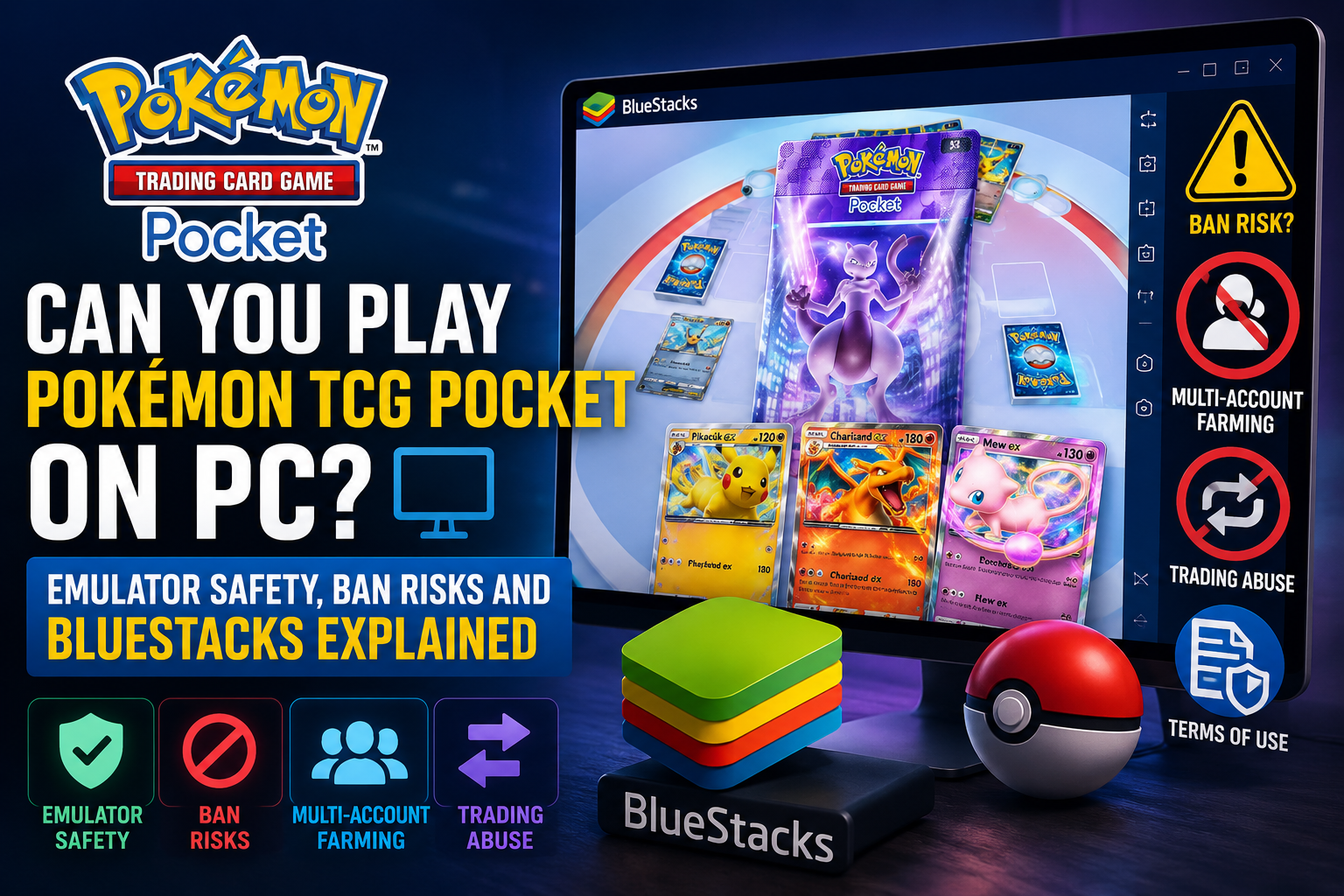
Many Pokémon TCG Pocket players want to play on PC. Content creators often record gameplay, stream matches, manage deck testing, and create videos from a desktop setup. Because Pokémon TCG Pocket does not currently have a native Windows or Mac client, many players use Android emulators such as BlueStacks to run the mobile version on PC. The big question is obvious: can you get banned for playing Pokémon TCG Pocket on an emulator? The honest answer is that normal emulator play appears to be a low-risk gray area, but it is not the same as an officially supported PC client. Pokémon TCG Pocket is officially distributed through mobile platforms such as the App Store and Google Play. BlueStacks provides its own guide for playing Pokémon TCG Pocket on PC, but that is not the same as an official Pokémon Company PC release. For most players, simply using an emulator to play your own account manually should not be the main concern. The real risk starts when emulator use is combined with suspicious behavior: automation, bots, scripts, multiple accounts, farming free packs across many instances, trading cards from alt accounts to a main account, real-money trading, or attempts to bypass in-game restrictions. This guide explains the difference between normal PC play and risky behavior, what the official Terms of Use suggest, why multi-account farming can be dangerous, and how players should approach Pokémon TCG Pocket on PC safely.
Is Pokémon TCG Pocket Officially Available on PC?
Pokémon TCG Pocket is officially a mobile game. The app is available through mobile app stores and is designed around opening packs, collecting cards, Wonder Pick, trading, sharing, and quick battles on mobile devices. There is currently no dedicated official PC client like some other card games have. That is why players turn to Android emulators. BlueStacks, for example, lets users run Android apps on a Windows PC. This makes Pokémon TCG Pocket easier to record, stream, manage with Discord open, and play on a larger screen. For creators, that is a practical setup. For players with phone storage, battery, or performance issues, it can also be convenient. However, emulator support from BlueStacks does not mean official approval from Pokémon. It only means BlueStacks provides a way to run Android apps on PC. The important distinction is this: playing on an emulator may work, but it is not the same as playing on a native official PC version.
What Do the Terms of Use Say?
The official Pokémon TCG Pocket Terms of Use do not simply list “BlueStacks” or “emulator” as a named prohibited item. That is why this topic is often treated as a gray area in the community. But the Terms do contain several rules that matter directly for emulator users. The Terms prohibit using unauthorized third-party software or technological means such as bots, mods, hacks, and scripts to modify the application. They also prohibit unlawful acquisition of virtual content, real-money trading, allowing others to use your account, using others’ accounts, excessively installing the application on numerous devices, and attempting to circumvent restrictions. This means the risk is not only about the emulator itself. The risk is about what you do with it. A single player manually playing their own account on PC is very different from a player running many emulator instances, automating daily pack openings, farming multiple accounts, and moving cards to a main account through trading. If your setup starts looking like an attempt to exploit the game economy, avoid limitations, or generate unfair value, the risk increases dramatically.
Normal Emulator Play vs Risky Emulator Abuse
It is helpful to separate emulator use into two categories. Normal emulator play means using a PC emulator to manually play your own Pokémon TCG Pocket account. You open the app, play matches, check Wonder Pick, manage your collection, and maybe record gameplay for content. You are not automating anything, not modifying the app, not running scripts, and not farming dozens of accounts. Risky emulator abuse is different. This includes running multiple emulator instances with multiple accounts, opening free packs across all of them every day, waiting until trading restrictions allow card movement, and then transferring valuable cards to a main account. It can also include macros, bots, scripts, automated clicks, network manipulation, modified APKs, or any process designed to farm resources at scale. The second category is where players should be extremely careful. Even if the game does not publicly explain every detection method, this kind of behavior is exactly the type of activity that Terms of Use are usually designed to prevent.
Why Multi-Account Farming Is Dangerous
Multi-account farming is one of the biggest risks around emulator use. Pokémon TCG Pocket gives players free packs over time. If someone creates many accounts, opens free packs on all of them, and later trades useful cards to one main account, they are no longer simply playing the game normally. They are using extra accounts to multiply the free economy. That may sound clever, but it is also the kind of behavior that can be considered exploitative. The game’s trade restrictions exist for a reason: to slow down abuse, protect the card economy, and prevent players from using trading as a way to funnel resources from throwaway accounts. If a player uses multiple emulator instances to farm packs, the technical footprint may also become more suspicious. Many accounts may share the same device profile, IP address, emulator environment, login behavior, timing patterns, or trade destination. Even without knowing the exact internal detection systems, it is reasonable to assume that large-scale repetitive behavior is easier to flag than normal manual play.
How Could Abuse Be Detected?
Game companies generally do not publish exact anti-abuse detection methods because that would help bad actors avoid detection. However, we can talk at a high level about the kinds of signals that can look suspicious. A system could potentially look at account creation patterns, repeated logins from the same environment, identical device fingerprints, many accounts using the same emulator configuration, repeated daily pack-opening behavior, trading relationships between accounts, unusual funneling of valuable cards, abnormal session timing, or activity that looks automated rather than human. The important point is not to teach players how to bypass detection. The point is to explain why “I only used an emulator” and “I ran 20 accounts on an emulator farm” are not the same thing. One looks like accessibility or content creation. The other looks like economy abuse. For normal players, the safest rule is simple: do not automate, do not multi-account farm, do not use modified clients, do not sell cards or accounts, and do not use trading to funnel resources from throwaway accounts.
Can Content Creators Use BlueStacks Safely?
Many content creators use emulators because it is the easiest way to capture clean footage. Recording from a phone can be annoying, while a PC emulator makes streaming, overlays, audio control, screenshots, and Discord integration much easier. For content creators, the safer approach is to keep the setup simple. Use one main account, play manually, avoid macros, avoid modified clients, and do not use emulator tools to gain an advantage. If you are simply recording normal gameplay, explaining decks, opening packs, and playing matches manually, the practical risk appears much lower than exploitative multi-account setups. Still, creators should be careful with what they show publicly. If a video demonstrates mass account farming, automated pack openings, trading abuse, or anything that looks like a Terms of Use workaround, that can create risk for both the creator and viewers who copy the method.
Best Practices for Playing Pokémon TCG Pocket on PC
- Use only your own account.
- Avoid modified APKs or unofficial game files.
- Do not use bots, macros, scripts, or auto-clickers.
- Do not run multiple accounts to farm free packs.
- Do not funnel cards from alt accounts to your main account.
- Do not buy, sell, or trade cards for real money.
- Avoid VPN or network setups that cause login issues.
- Keep your emulator and app updated.
- Treat emulator play as a gray area, not an officially guaranteed PC version.
- Follow the official Terms of Use and in-game rules.
What Players Should Avoid
- Multi-instance farming with several accounts.
- Creating throwaway accounts just to open free packs.
- Waiting out trading restrictions to move cards to a main account.
- Automating daily missions, pack openings, Wonder Picks, or battles.
- Using scripts to repeat inputs.
- Sharing account access with other players.
- Using someone else’s account.
- Real-money trading or selling accounts.
- Trying to bypass age, region, or system restrictions.
- Using tools that modify the app or game data.
Final Verdict: Is It Safe?
Playing Pokémon TCG Pocket on PC through an emulator like BlueStacks is best described as a gray area with practical low risk for normal manual play, but real risk for exploitative behavior. There is no official PC client, so emulator play is not the same as official platform support. At the same time, many players and creators use emulators because they make recording, streaming, and playing on a larger screen much easier. The safest answer is this: using an emulator by itself is probably not what players should be most worried about. What matters much more is whether the emulator is being used to automate actions, run multiple accounts, farm resources, manipulate the app, or bypass restrictions. If you play manually on your own account, avoid macros, avoid scripts, avoid account farming, and follow the Terms of Use, the situation is generally much more relaxed. If you use BlueStacks or another emulator to create a pack-farming setup across many accounts, that is a very different risk profile and could absolutely lead to account action. For players asking in Discord whether they can play Pokémon TCG Pocket on PC, the best advice is simple: normal manual play is one thing, exploiting the economy is another. Stay on the safe side.
Got questions?
Drop into the Discord — most beginners get a deck-list reply within an hour.
Join the Discord