Since Digimon Alysion launched, I've already had several people asking me how I'm playing the game on my PC. Although it's a mobile game, you don't necessarily have to play it on your smartphone. I'm personally using BlueStacks, an Android emulator that allows you to run mobile games directly on your Windows PC. It's also how I record my Digimon Alysion gameplay for YouTube. Getting everything set up is pretty straightforward, so here's a quick guide on how to do it yourself.
How to Download Digimon Alysion on PC
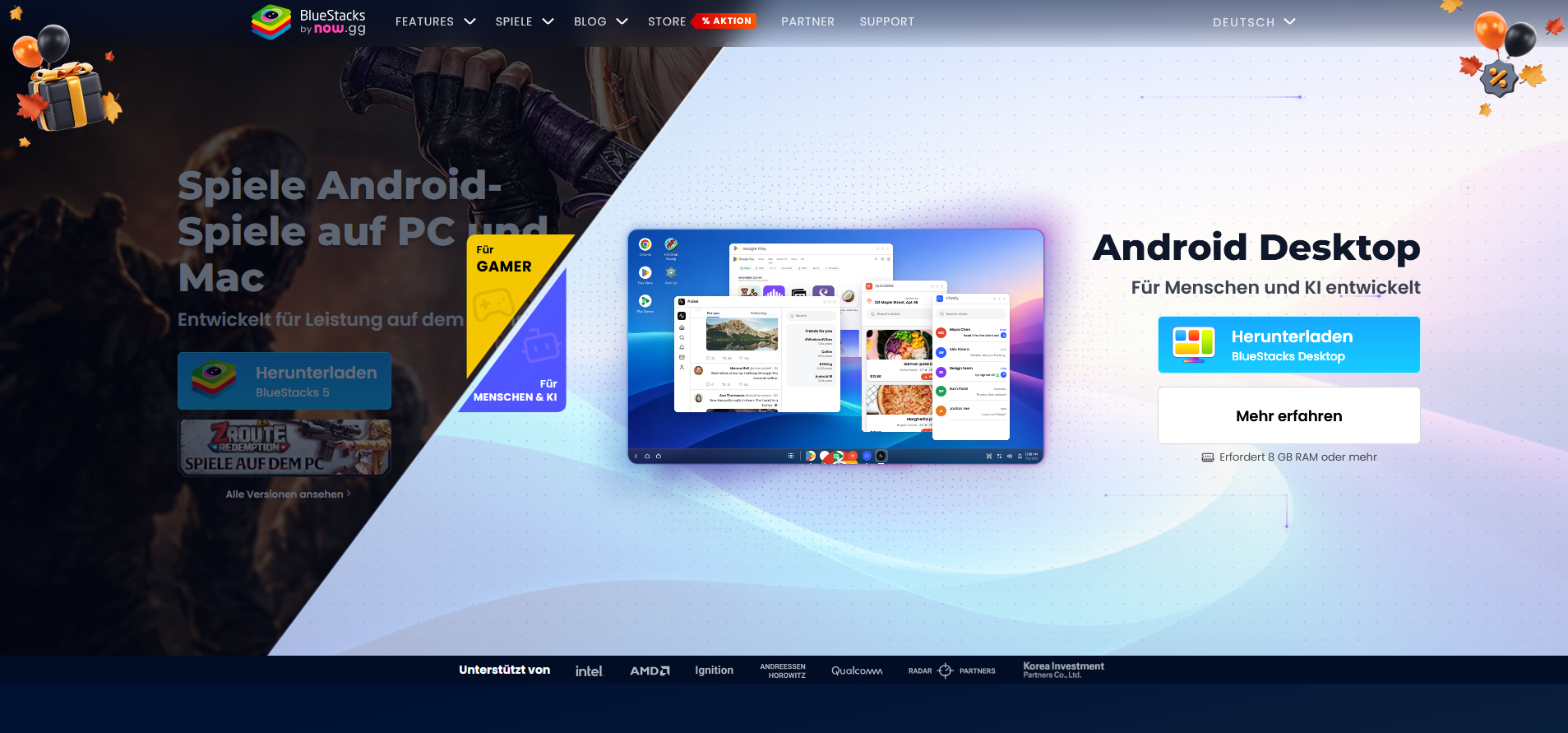
The first thing you'll need is BlueStacks. It's free to download and allows you to install Android games through the Google Play Store, just like you would on your smartphone. You can download it directly from the official BlueStacks website: https://www.bluestacks.com/ I recommend downloading BlueStacks 5 directly from the official website rather than using third-party download sites.
How to Install Digimon Alysion on BlueStacks
- Download BlueStacks 5 from the official BlueStacks website.
- Run the installer and complete the installation.
- Launch BlueStacks on your PC.
- Open the Google Play Store inside BlueStacks.
- Sign in with your Google account.
- Search for DIGIMON ALYSION.
- Download and install the game.
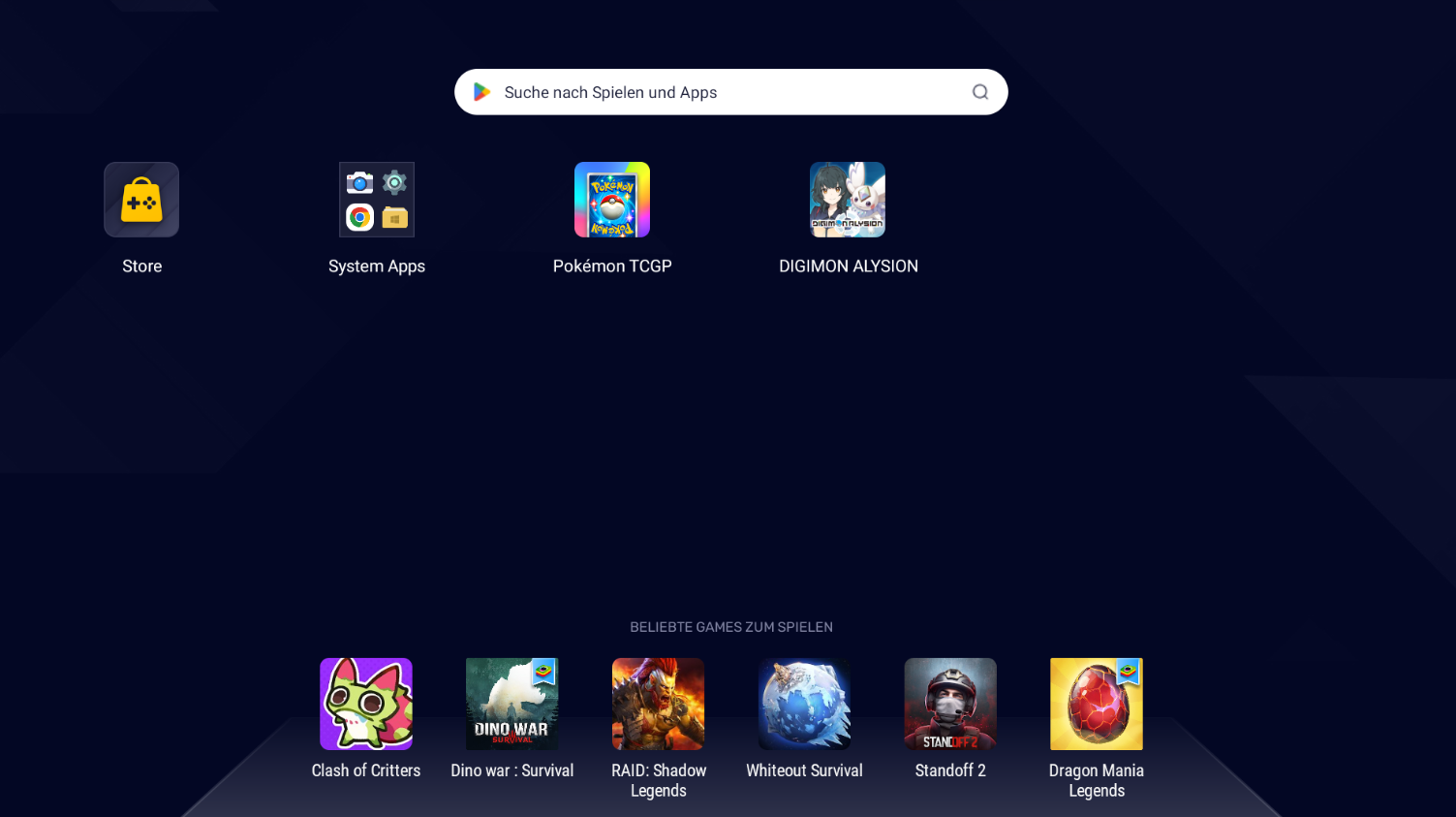
- Launch Digimon Alysion from your BlueStacks home screen.
- Complete the initial in-game setup and download any additional game files.
And that's pretty much it! Once everything is installed, you can launch Digimon Alysion directly from BlueStacks whenever you want to play. You can use your mouse instead of touchscreen controls, play on a much larger screen and resize the emulator window depending on your preference.
What If Digimon Alysion Doesn't Work on BlueStacks?
If you can't find Digimon Alysion in the Google Play Store or receive a device compatibility error, your BlueStacks Android version might be the issue. BlueStacks supports different Android versions, which can affect whether certain mobile games can be installed or launched. Make sure you're running an up-to-date version of the emulator before troubleshooting further.
- Update BlueStacks to the latest available version.
- Try a compatible, newer Android instance.
- Make sure hardware virtualization is enabled on your PC.
- Allocate sufficient RAM and CPU resources to BlueStacks.
- Restart BlueStacks if the game fails to launch.
- Check whether Digimon Alysion is available in your region.
Is Digimon Alysion Better on PC?
For me personally, playing Digimon Alysion on PC is much more convenient. Having a bigger screen makes reading card effects, building decks and following what's happening during battles a lot easier. It's also a great option if you're planning to record gameplay, stream matches or simply prefer playing card games with a mouse. If you're enjoying Digimon Alysion on your phone, there's obviously no reason to switch. But if you've been looking for a way to play on your PC, BlueStacks is definitely worth checking out.
Got questions?
Drop into the Discord — most beginners get a deck-list reply within an hour.
Join the Discord