If you’re wondering whether Digimon Alysion will run on your phone, check two things first: your operating system version and how much RAM your model has. Here’s what Bandai lists for Android and iOS, plus where I’d start with the graphics settings.
Android requirements
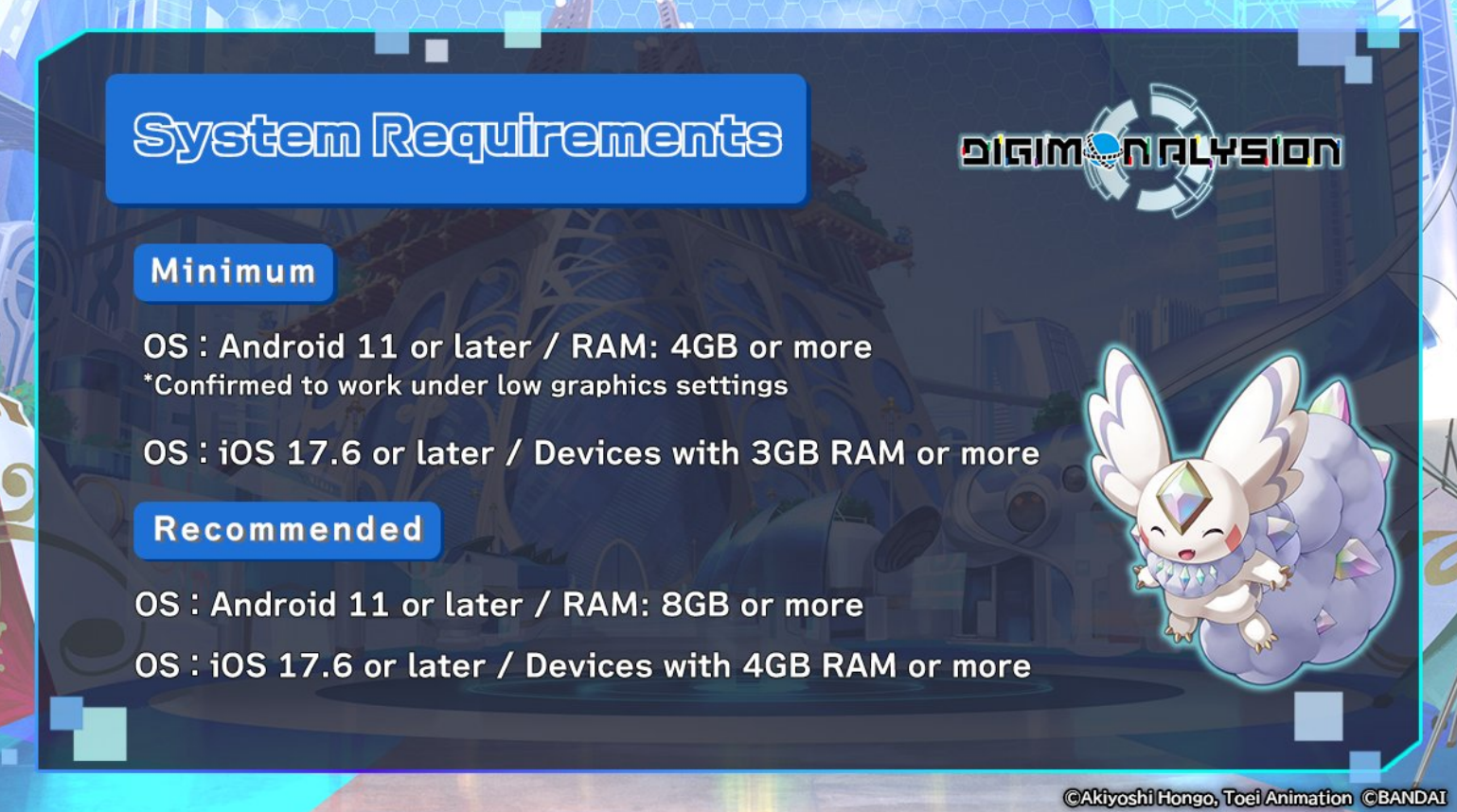
- Minimum — Android 11 or later with at least 4 GB of RAM. Bandai confirmed this configuration on Low graphics.
- Recommended — Android 11 or later with at least 8 GB of RAM.
iOS requirements
- Minimum — iOS 17.6 or later with at least 3 GB of RAM.
- Recommended — iOS 17.6 or later with at least 4 GB of RAM.
Which graphics setting should you use?
You can switch between High, Medium and Low in the in-game settings. If you’re on an Android phone with 4 GB of RAM, I’d start on Low. If your device meets the recommended specs, try Medium for a match and see how it feels before switching to High.
How do I check if my phone meets the requirements?
Open Settings and check About phone on Android or General > About on iOS for your model and software version. If RAM isn’t listed, look up the specs for your exact model. The storage capacity shown in Settings is a separate spec.
Got questions?
Drop into the Discord — most beginners get a deck-list reply within an hour.
Join the Discord